SSH
22
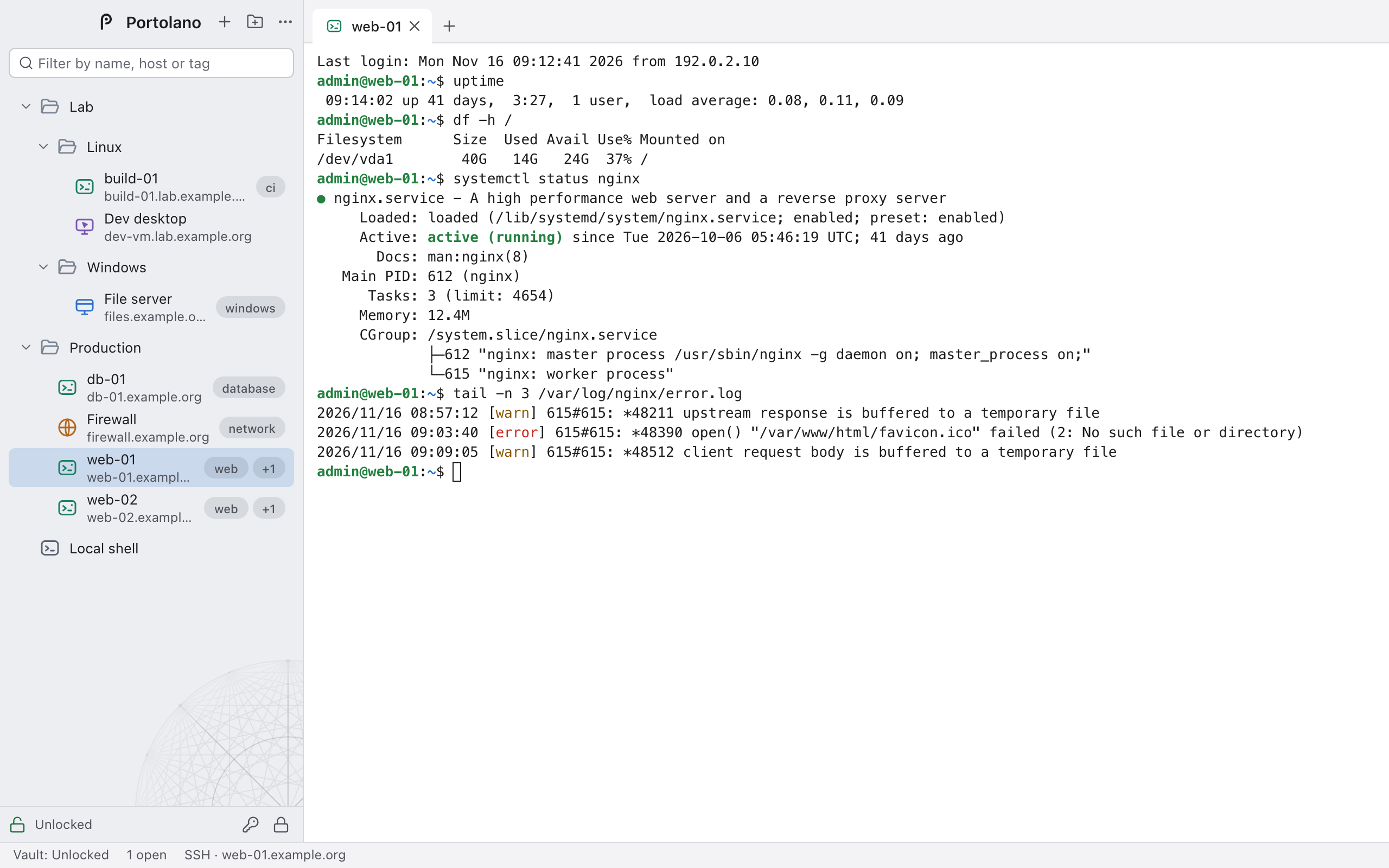
A real terminal. Password or key authentication, jump hosts, host-key verification.
OPEN SOURCE · MACOS AND WINDOWS
SSH, RDP, VNC, web consoles and local shells — in tabs, with an encrypted vault. Free, with no account and no subscription.
THE NAME
A portolano was the pilot book of medieval Mediterranean sailors: a list of ports, the routes between them, and what you needed to know to reach each one safely. The charts drawn from those books are covered in straight lines radiating from compass points.
This is that book for system administrators: every host you look after, and the shortest route to each one.
Porte are also network ports.
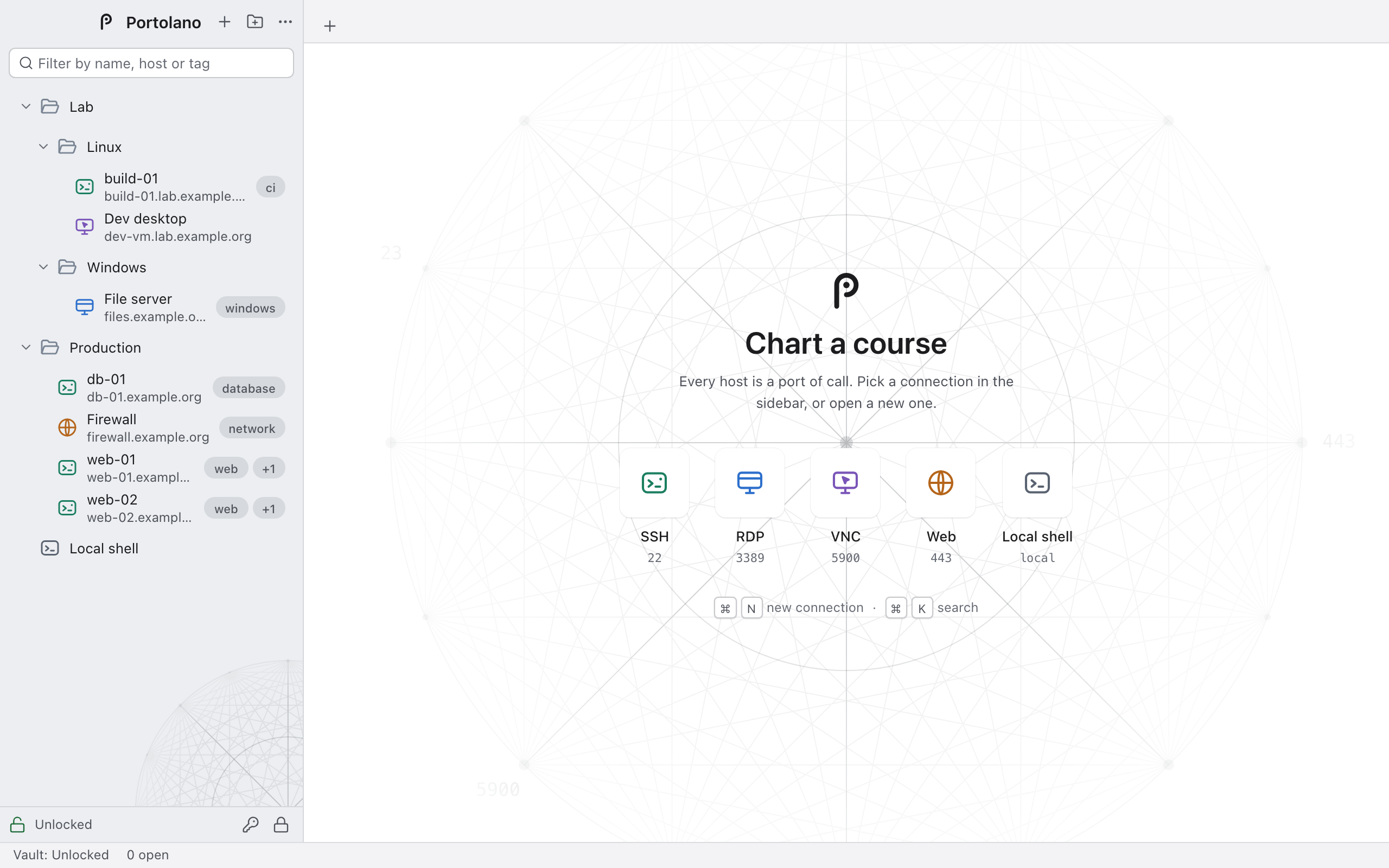
PORTS OF CALL
22
A real terminal. Password or key authentication, jump hosts, host-key verification.
3389
Windows desktops with Network Level Authentication and the remote cursor.
5900
Password authentication, and TLS encryption when the server offers a certificate.
443
Admin consoles in tabs, each with its own isolated cookie store if you want.
local
Your own machine, one tab away from the others.
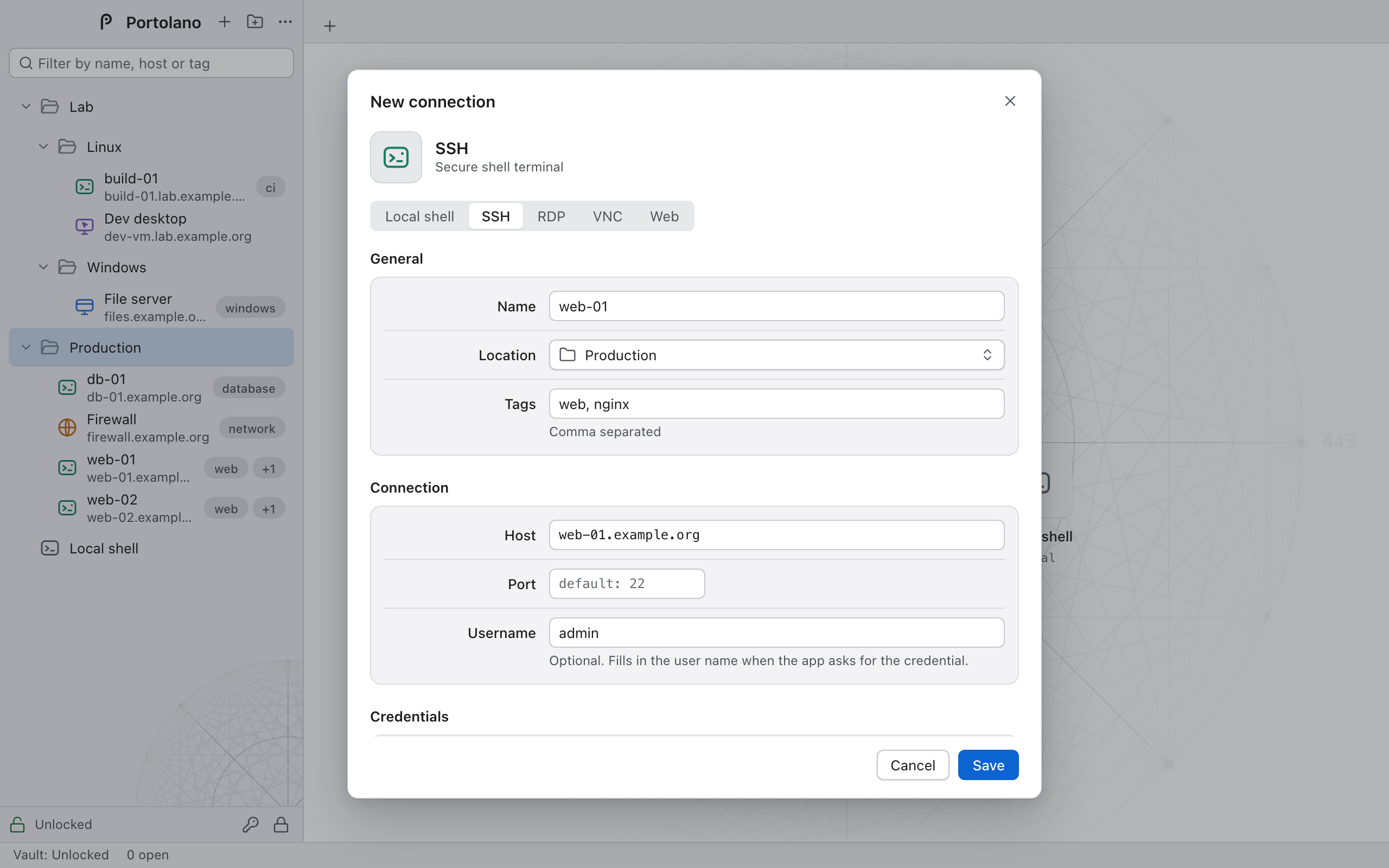
Folders, tags, search and drag and drop. Credentials are inherited from the parent folder.
With no credential assigned, Portolano simply asks when you connect.
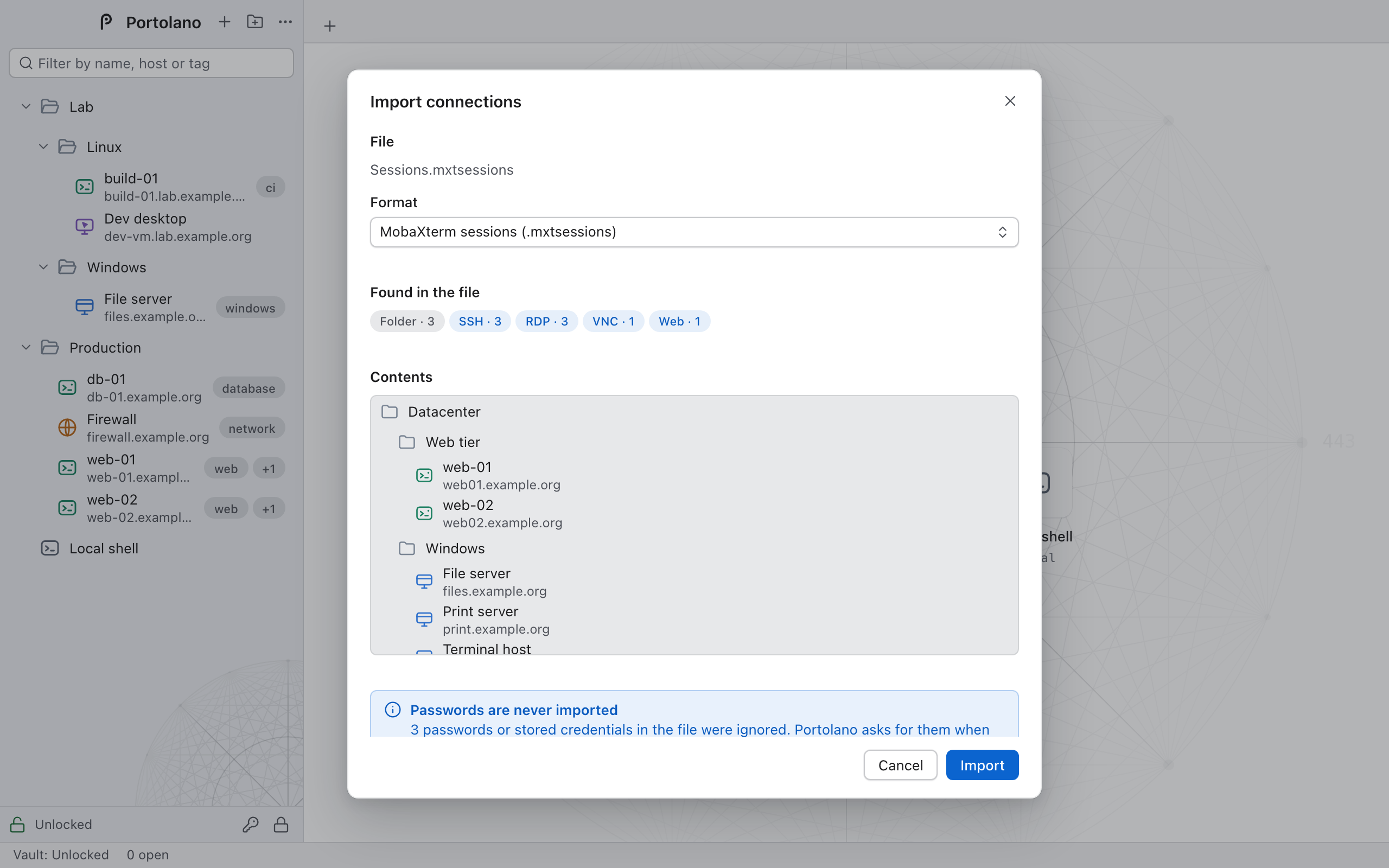
Import from OpenSSH config, .rdp files, MobaXterm, mRemoteNG and CSV. Export to JSON and .rdp.
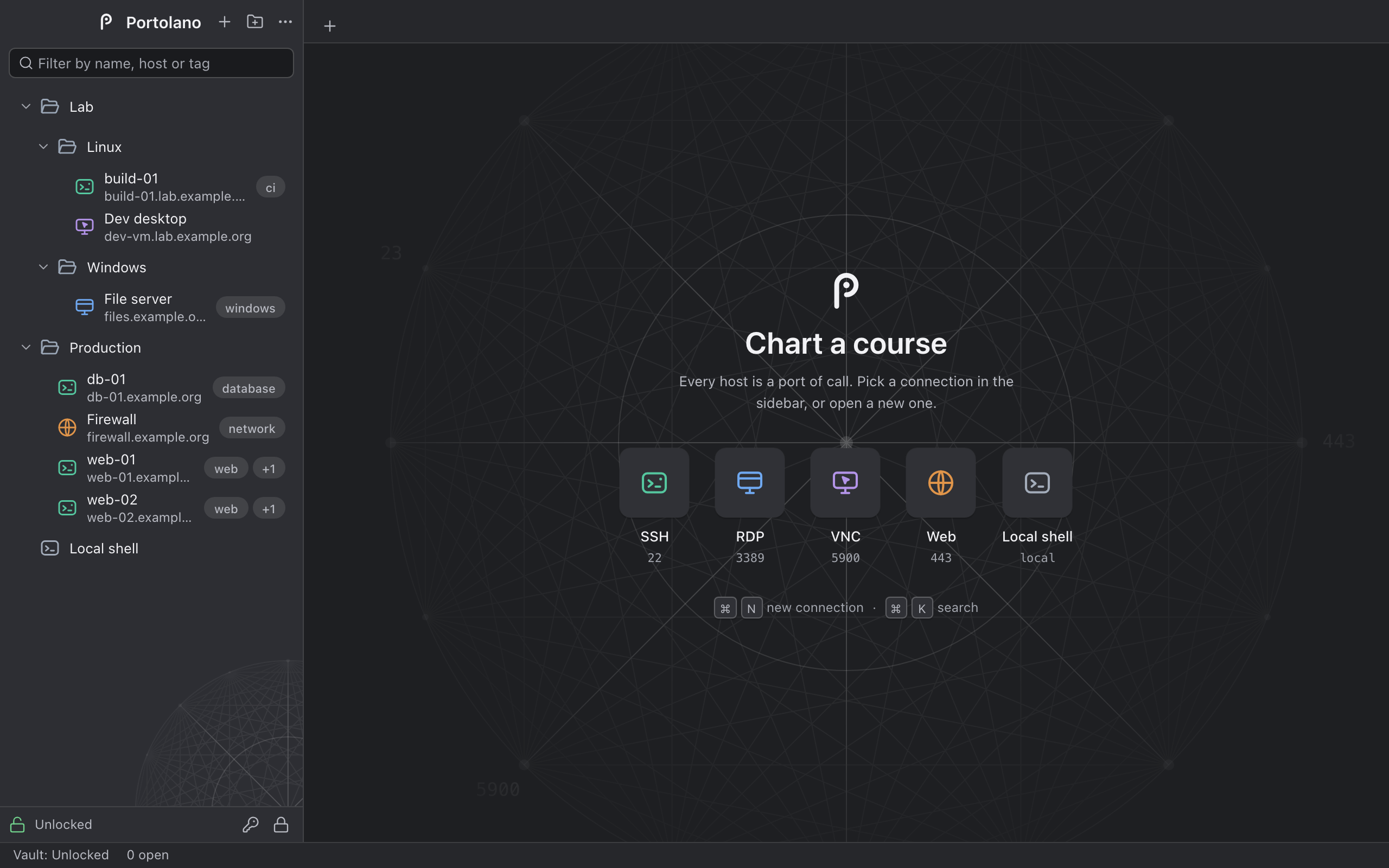
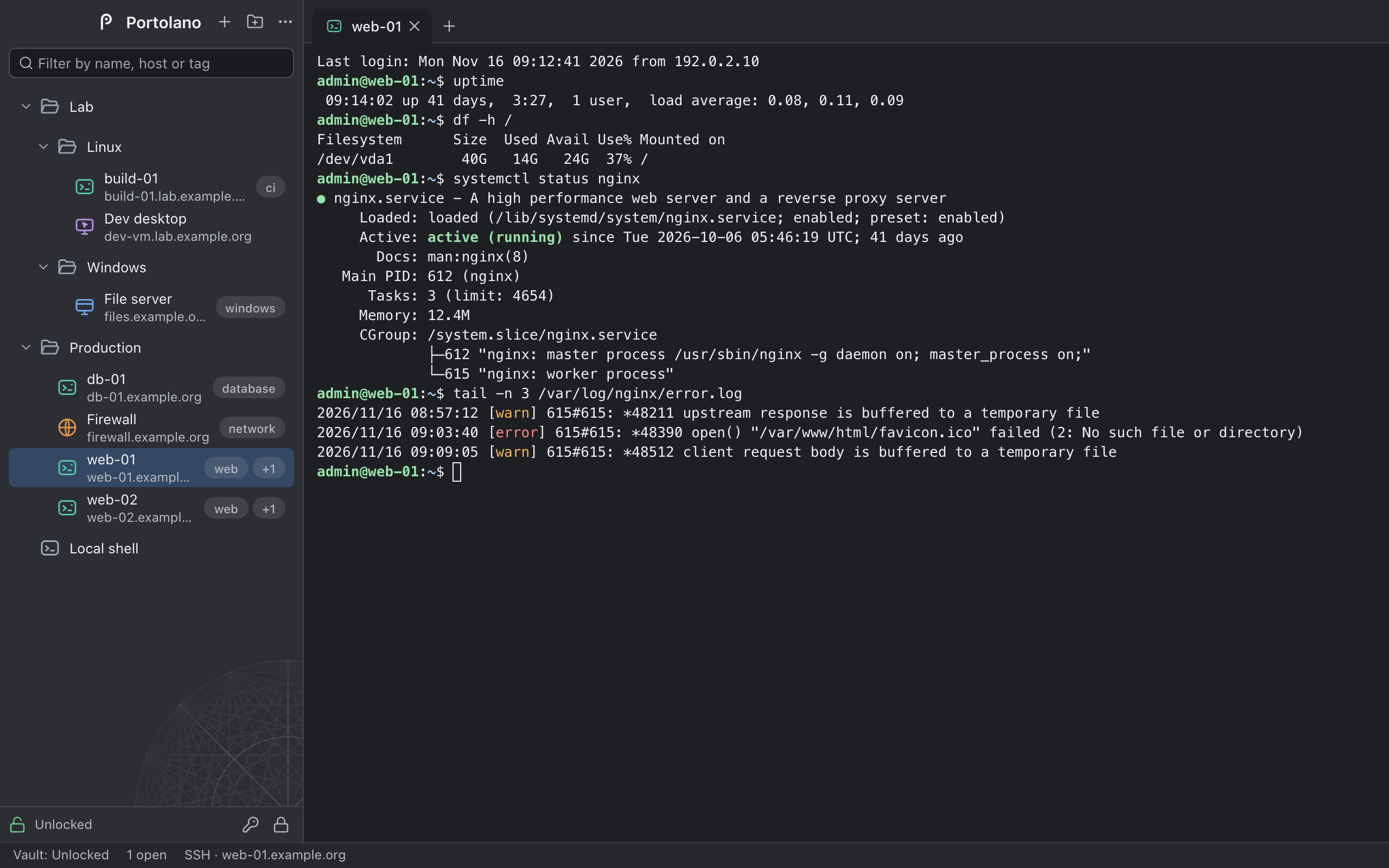
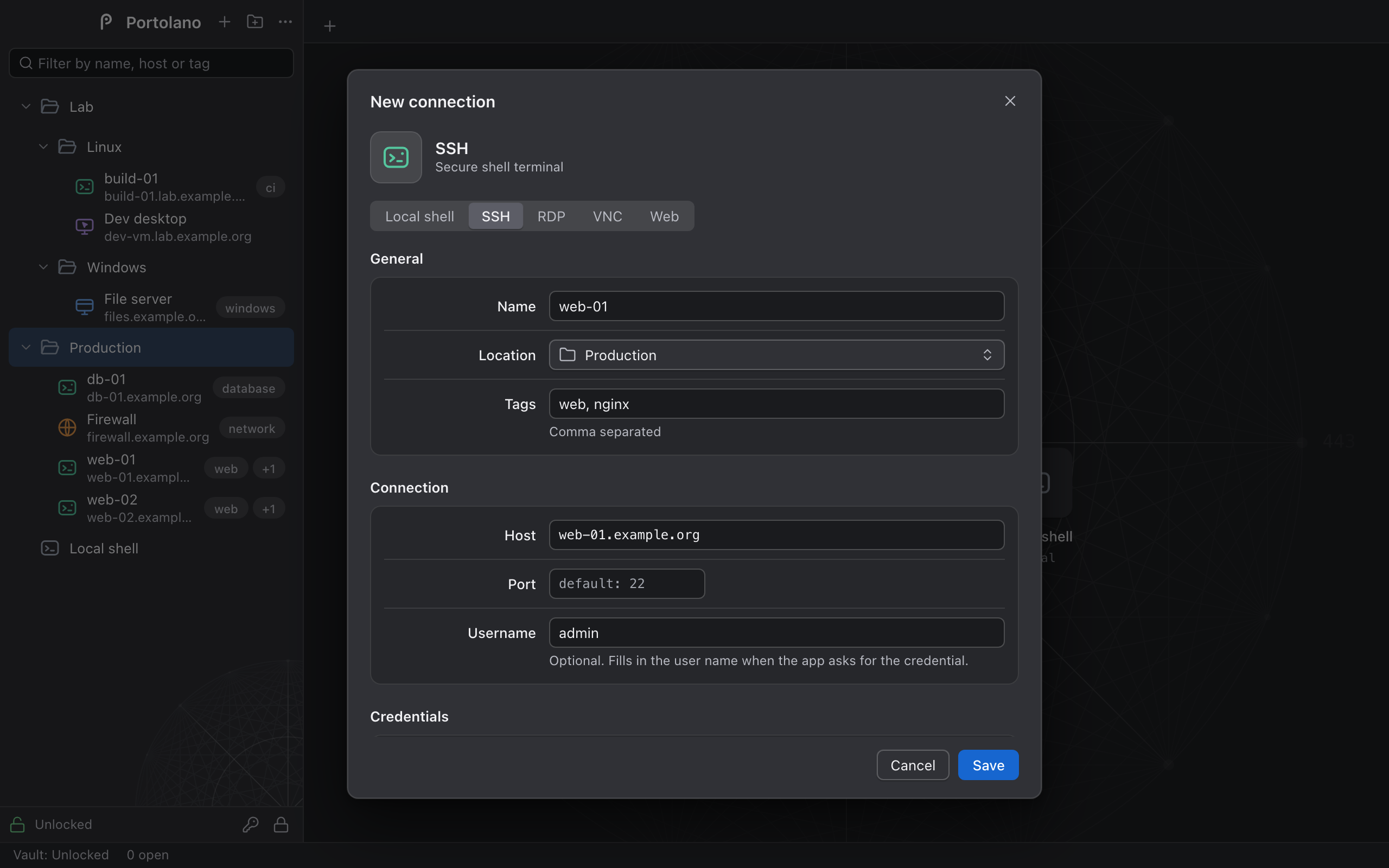
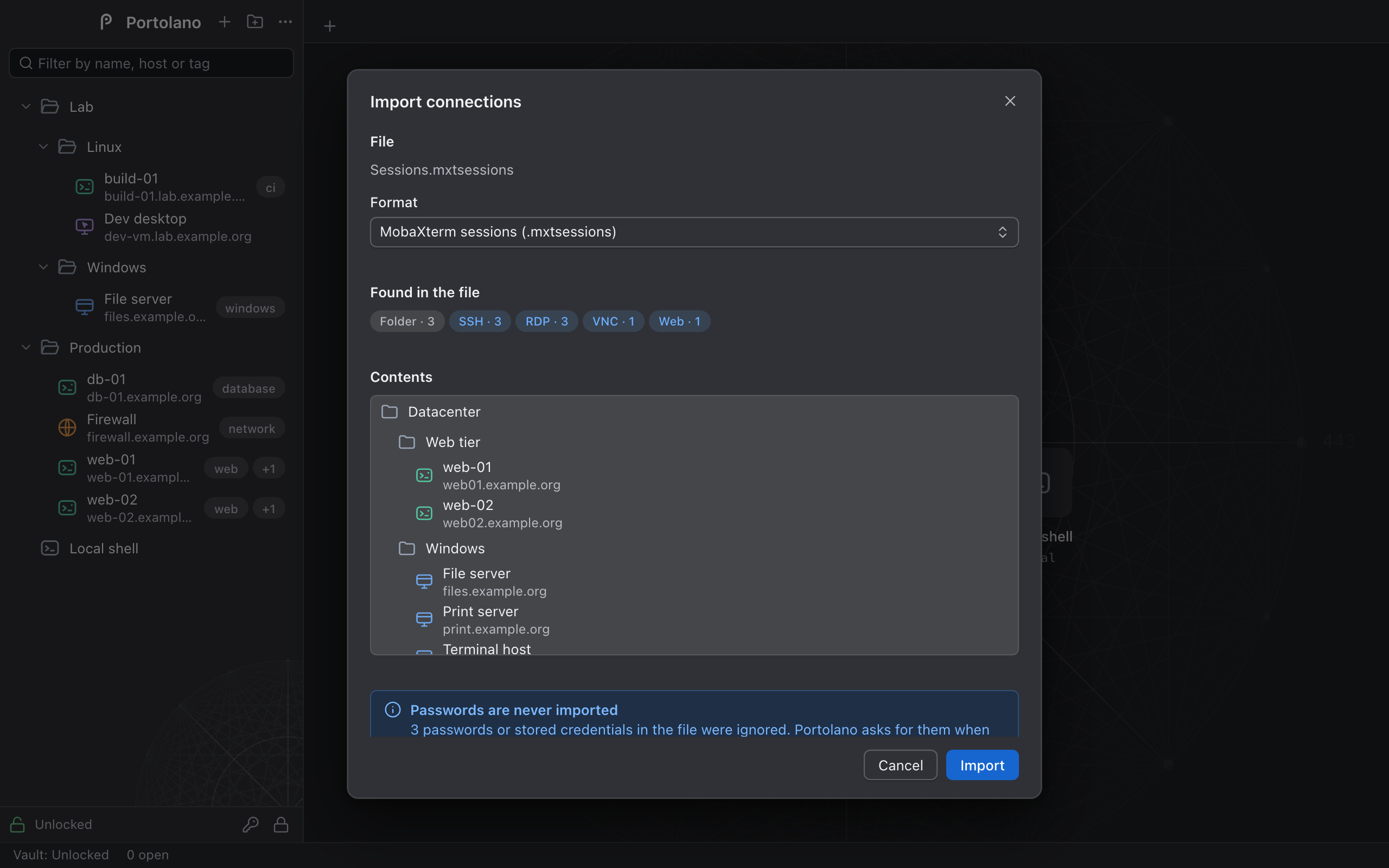
Both themes, following the system.
A LOOK INSIDE
The remote session is the point. Everything else gets out of the way.
SECURITY
Written in Rust on established open-source implementations. No home-made cryptography.
Argon2id stretches your master password into a key that only ever exists in memory. Credentials are encrypted with XChaCha20-Poly1305: a vault file altered by a single bit is rejected, not decrypted.
SSH host keys and RDP and VNC certificates are confirmed on first use. If one changes, Portolano refuses until you remove the stored one.
The interface asks the Rust core to connect and never receives a stored password unless you reveal one. Imports and exports never carry passwords.
No telemetry, no account, no cloud. Besides your own hosts, the app only contacts GitHub to look for updates — and you can turn that off.
russh · IronRDP · rustls · RustCrypto
Portolano is in alpha and has not had an independent security audit. A weak master password makes a weak vault. Plain VNC is not encrypted. The builds are not code-signed.
Read SECURITY.md →DOWNLOAD
Version 0.1.0 for macOS 14 or later and Windows 10 and 11.
Available for macOS and Windows
The builds are not signed, so macOS and Windows warn you the first time. On macOS, right-click the app and choose Open. On Windows, press More info, then Run anyway.
git clone https://github.com/reallovedone/portolano.git
cd portolano && pnpm install && pnpm ui:install && pnpm build